
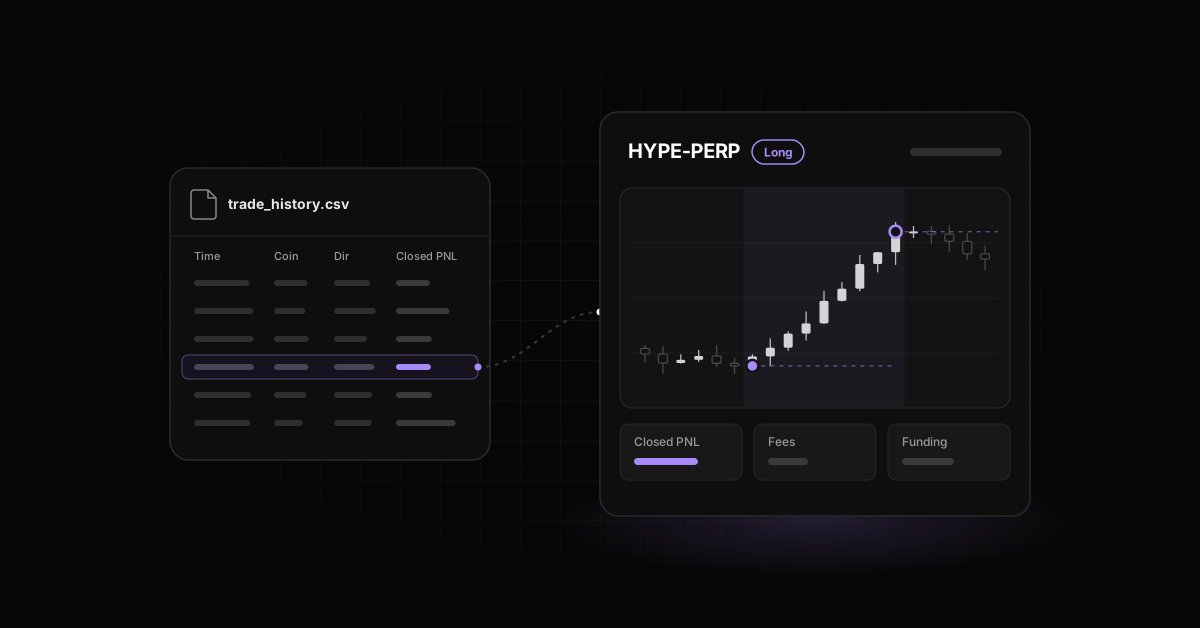
Export your fills from the Trade History tab and your funding from the Funding History tab in the Hyperliquid app, using the CSV export on each. Closed PNL in the app is shown net of trading fees, and funding sits in its own file, so add the two for net PnL. Then import the CSV to Hyerlo to tag, chart, and review every trade.
How to export your Hyperliquid trade history
- Open app.hyperliquid.xyz and connect the wallet you traded with. Each subaccount has its own address and its own history, so switch and repeat for each one.
- Under the chart, open Trade History. Order History is a different list and includes orders that never filled.
- Click Export as CSV. The file lists each fill with time, market, direction, price, size, trade value, fee, and Closed PNL.
- Watch the limit. Hyperliquid's API returns at most the 2,000 most recent fills per request, and
userFillsByTimecan reach only the 10,000 most recent. For anything older, the historical data page lists archive and export options.
Export once a month. Active traders can push older fills out of reach faster than they expect.
What Closed PNL includes
- The app's Closed PNL tooltip says it includes fees and rebates. Check the tooltip on your own screen before you reconcile.
- Closing fills carry the price result on the size you closed.
- Funding is kept out of Closed PNL. It has its own history.
- Unrealized PnL on open positions appears in neither export.
- Liquidations show up in the Direction column, so filter that column to find them.
Where to find funding history
Funding History is the tab next to Trade History, with its own CSV export. A positive payment means you received funding, a negative one means you paid it.
Hyperliquid pays funding every hour, at one eighth of the computed 8 hour rate (Hyperliquid docs). A position held for a week touches 168 funding events.
Net PnL for a period is the sum of Closed PNL plus the sum of funding payments. Our guide to funding, leverage and liquidation risk covers how to attribute funding to trades.
| What you want | Where in Hyperliquid | In the trade CSV? |
|---|---|---|
| Fills and realized PnL | Trade History tab | Yes |
| Trading fees | Trade History, Fee column | Yes, and inside Closed PNL |
| Funding payments | Funding History tab | No, separate export |
| Deposits and withdrawals | Portfolio page | No |
| Open position PnL | Positions tab | No |
How to import Hyperliquid trades into Hyerlo
Hyerlo imports Hyperliquid by CSV today. Upload the Trade History file and your trades appear in the journal, ready to tag.
Hyperliquid autosync is planned. Until it ships, a monthly export keeps the journal current.
If you also trade on Bybit, Binance Futures, or Phemex, those already autosync by API. All accounts sit side by side, with the number of accounts set by your plan.
Plans as of October 2026 (pricing):
- Base: $0 forever, manual trades and CSV import.
- Breakout: $15 a month ($11 at launch), 3 autosync accounts.
- Expansion: $30 a month ($22 at launch), unlimited autosync.
What you can review after import
- Every trade on a full chart, with entry and exit marked.
- Tags and notes on each trade, plus setups to group them.
- A calendar of daily results.
- Dashboard widgets for PnL, drawdown, hit rate, fees split into trading and funding, streaks, and overtrading.
- A trades dock for flipping from one trade to the next.
- Hide values when you share your screen.
One Hyperliquid wallet traded short only. It was liquidated five times in five weeks, reshorting the same day each time, with leverage climbing to 40x.
A spreadsheet lists those losses after the fact. A streak widget, an overtrading count, and a note written before each entry show the pattern while it is still happening.
Spreadsheet journals often end up as boxes you fill out and never learn from. In Hyerlo the imported data sits under the chart, your tags, your notes, and the widgets, which is where the review happens.
Frequently asked questions
How do I export my Hyperliquid trade history?
Open Trade History in the Hyperliquid app and click Export as CSV. Repeat in Funding History for funding payments.
Does Hyperliquid Closed PNL include fees?
The app labels Closed PNL as including fees and rebates. Funding is not in it.
Why is my Hyperliquid export missing older trades?
Hyperliquid serves only your most recent fills through the app and API, capped at 10,000 by time query. Older fills need the historical data options in the Hyperliquid docs.
Is funding included in the trade history CSV?
No. Export Funding History separately and add the payments to Closed PNL.
Can Hyerlo sync Hyperliquid automatically?
Not yet. Import by CSV today. Hyperliquid autosync is planned.
Is there a free Hyperliquid trading journal?
Yes. Hyerlo Base is $0 forever for manual trades and CSV import.
More guides on the Hyerlo blog.
Export your Hyperliquid history, drop it into Hyerlo, and review your next week of trades with the full picture. Try hyerlo.com.