
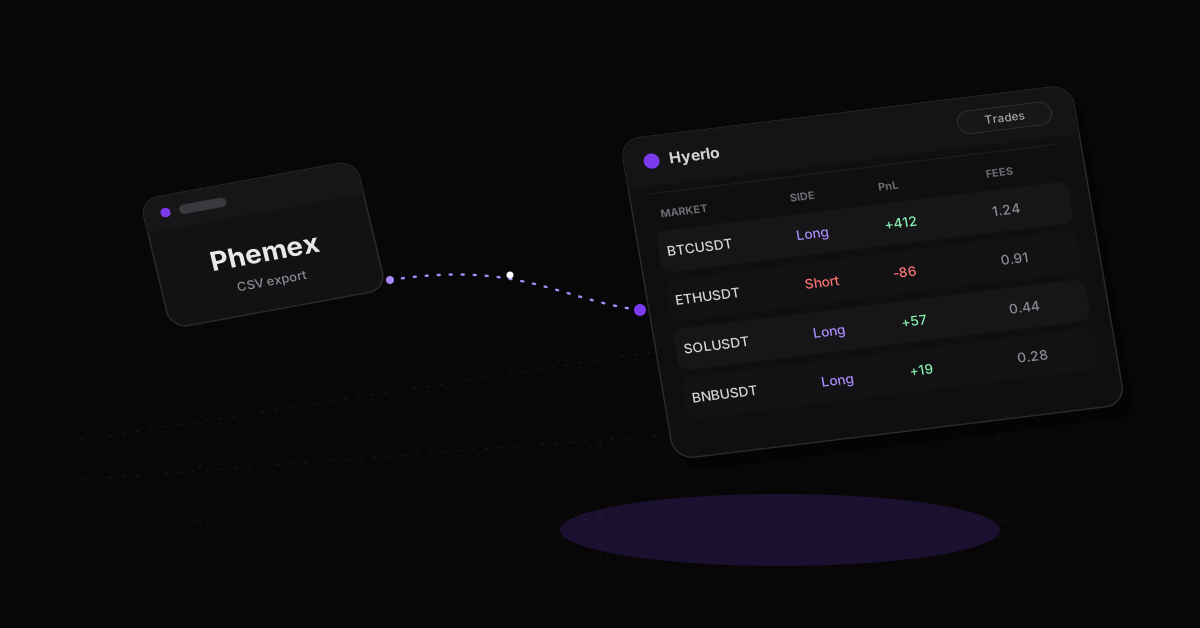
Download your futures trade history from Phemex as a CSV, then upload it in Hyerlo CSV import. Phemex sits on the generic CSV path today. Named presets cover Hyperliquid, Bybit, Binance USDM and generic. API autosync for Phemex is planned. Until then, a periodic export keeps the journal current.
How to export your Phemex trade history
- Sign in to Phemex on the account that holds your futures or perp trades. If you use sub accounts, export each one on its own so P&L stays clean.
- Open trade history for the product you trade. Futures and perps are the usual target for a crypto journal.
- Download the history as a CSV. Prefer a fills export over an open orders list.
- Keep the file. You need time, market or symbol, side, price, size and fees at minimum.
Export on a schedule, weekly or monthly. Do not wait until you need a year of history for a review.
What to capture from Phemex for a journal
A solid Phemex journal row is more than entry and exit price.
- Realized PnL on closed trades, with trading fees visible
- Funding payments, if your export or a separate funding history includes them
- Leverage and margin mode when the export or your notes can carry them
- Account or sub account tags so books with several accounts stay clean
Funding is easy to lose. If Phemex keeps funding in a separate history, export that too and attribute it in review. Our guide to funding, leverage and liquidation risk covers how to treat carry cost as a core field.
| What you want | Typical place on Phemex | In a trade CSV? |
|---|---|---|
| Fills and realized PnL | Trade or order history | Yes, if you export fills |
| Trading fees | Fee data or fee history | Often yes |
| Funding payments | Funding history when separate | Often no; separate export |
| Deposits and withdrawals | Wallet or assets | No |
| Open position PnL | Positions | No |
How to import Phemex trades into Hyerlo
Hyerlo has no named Phemex CSV preset today. Upload the file through CSV import, map the columns in the preview, and finish the import. Duplicate protection helps when you export overlapping windows again.
Phemex API autosync is planned. It is not live. Binance Futures already autosyncs by API on paid plans. Bybit history comes in by CSV today, with Bybit autosync planned. Hyperliquid uses its named CSV path; see the Hyperliquid trading journal page.
Hyerlo has a free Base plan. Paid plans add API autosync. Binance Futures works today. Phemex API sync is planned. See pricing for current plan details.
What you can review after import
- Every trade on a full chart, with entry and exit marked
- Tags and notes on each trade, plus setups to group them
- A calendar of daily results
- Dashboard widgets for PnL, drawdown, hit rate, fees split into trading and funding, streaks and overtrading
- A trades dock for flipping from one trade to the next
- Hide values when you share your screen
Spreadsheet journals often end up as boxes you fill out and never learn from. In Hyerlo the imported data sits under the chart with your tags and notes. That is where the review happens.
For the broader process, see how to journal crypto trades and how to journal across multiple exchanges.
Frequently asked questions
How do I export my Phemex trade history?
Download your futures trade history from Phemex as a CSV. Repeat per sub account.
Does Hyerlo have a Phemex CSV preset?
No. Use CSV import and map columns in the preview. Named CSV presets today cover Hyperliquid, Bybit and Binance USDM, plus generic.
Can Hyerlo sync Phemex automatically?
Not yet. Phemex API autosync is planned. Until it ships, export CSV and import on a schedule.
Is there a free Phemex trading journal?
Yes. Hyerlo has a free Base plan. Paid plans add API autosync when you need it.
More guides on the Hyerlo blog.
Upload the next export when you have it. Try hyerlo.com.